WELDING MACHINERY · COLLABORATIVE ROBOT

Cobot - Collaborative / Handling Robot

A welding cobot you program by dragging, not by teaching points through a pendant menu. Grab the end manipulator, move the torch to the joint in six directions, and press a button to record the position, the motion type, the weld instruction and the weave. Speed, welding and weave parameters adjust on the handle, and the display shows speed, pose, command and weld data as you go. Six axes, 5 kg payload and 906 mm reach put it over a fixture or a small weldment without a fence; ±0.02 mm repeatability keeps the torch where you put it.

Drag-to-teach handle6 axes, 906 mm reach5 kg payload±0.02 mm repeatabilityIP54
6 axes · 5 kg payload±0.02 mm repeatability8-button teaching handle12 months warranty
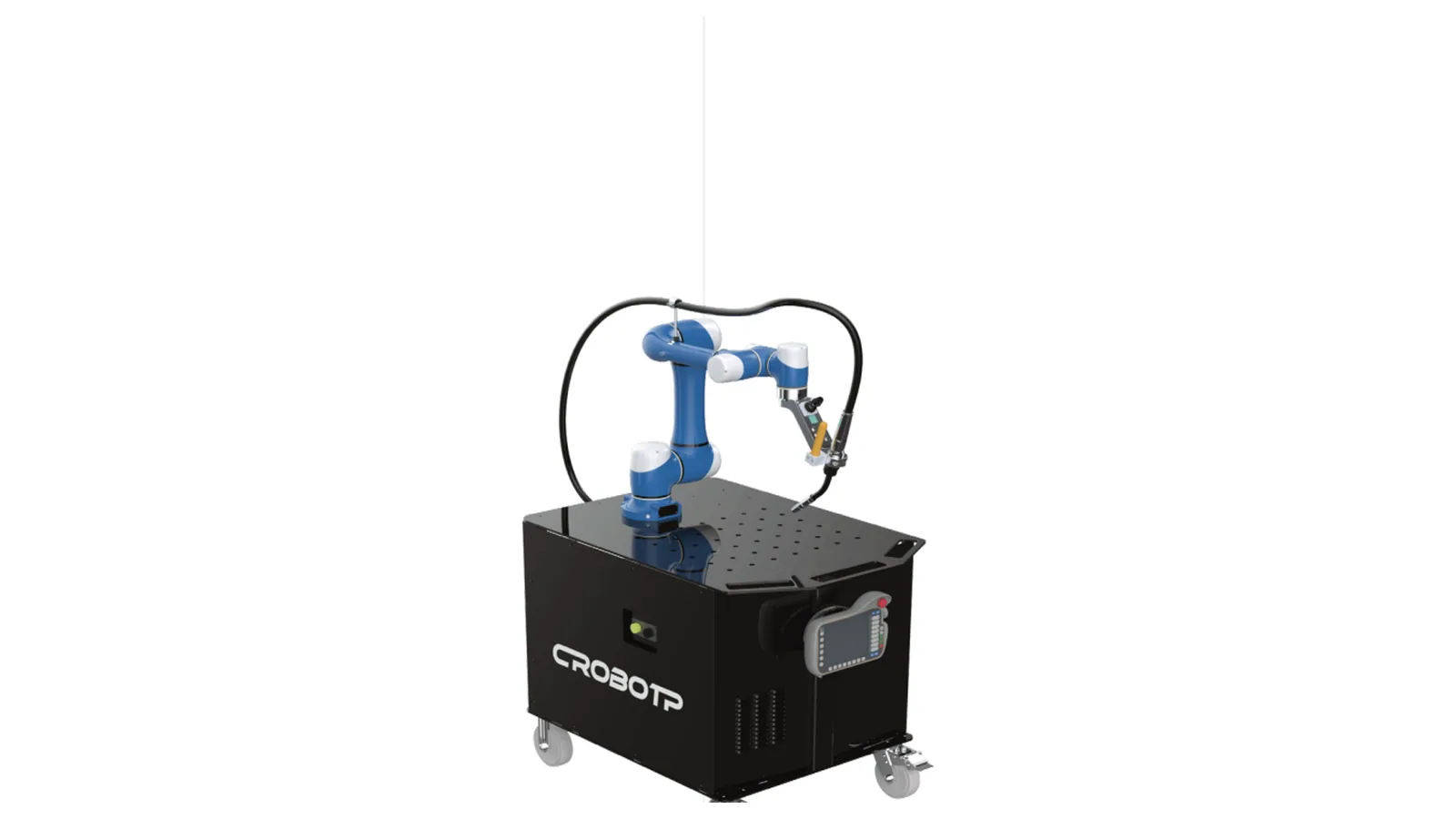
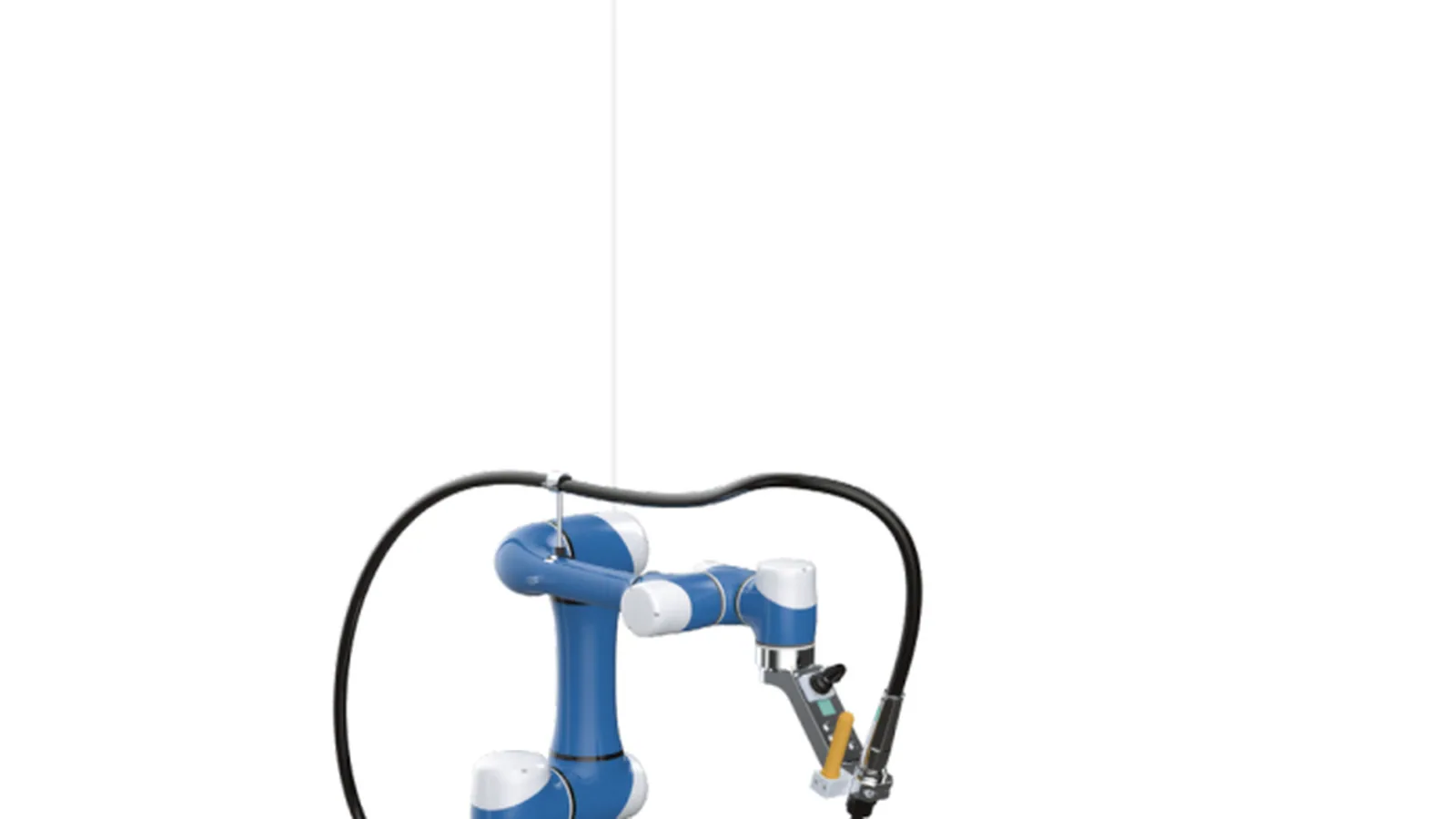
Six-axis collaborative welding cobot mounted on a mobile base with torch and teaching handle
6DEGREES OF FREEDOM
5 kgPAYLOAD
906 mmREACH
±0.02 mmREPEATABILITY

Key specifications

Payload, reach and how the job is taught decide whether a cobot fits the cell. Send us the part, the fixture and the joints per shift — we confirm mounting, torch and cart on the proforma invoice.

Degrees of freedom6
Maximum payload5 kg
Maximum reach906 mm
Repeatability±0.02 mm
Body weight22.5 kg
Protection ratingIP54
MountingFloor, inverted or wall
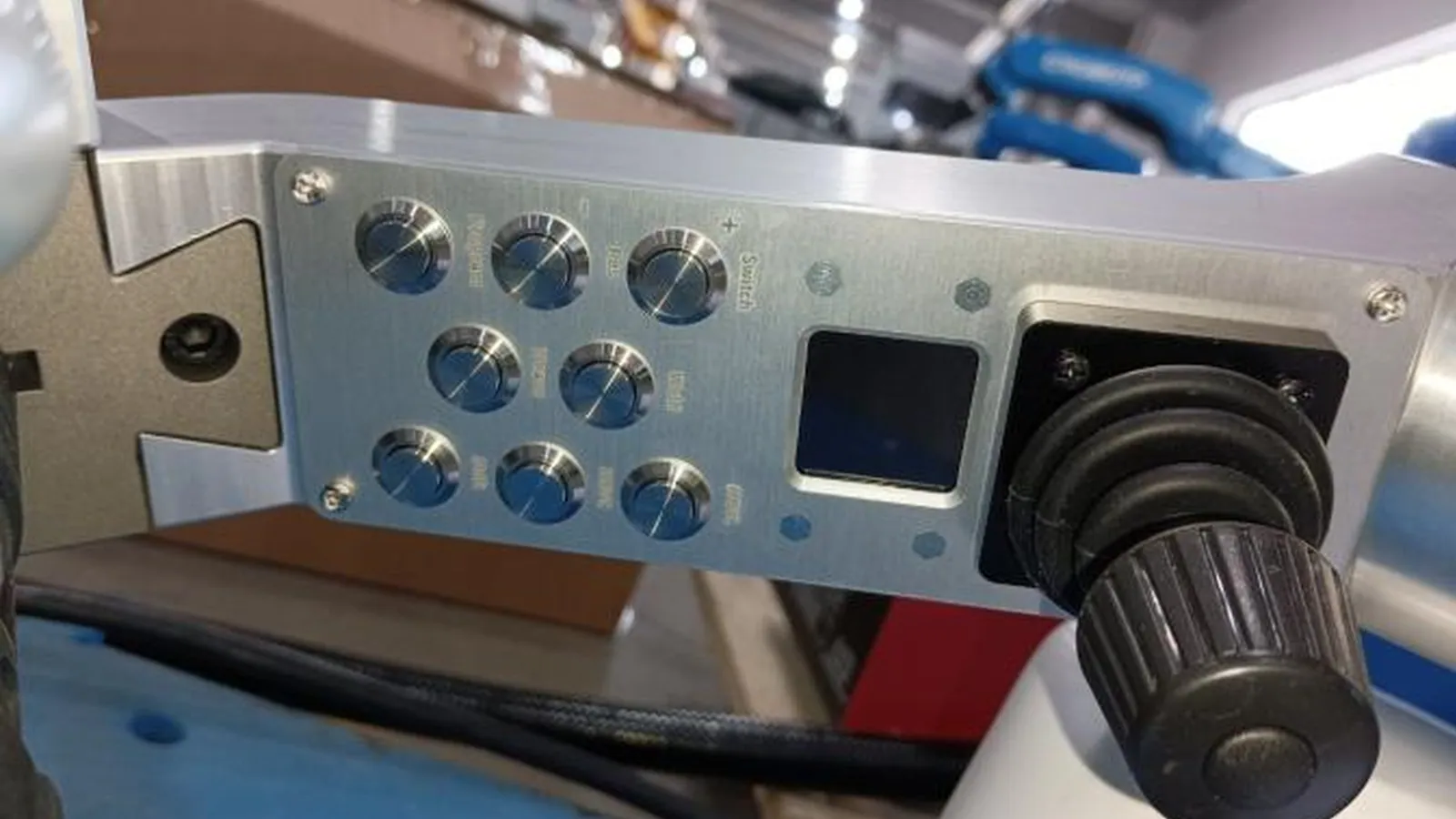
Teaching methodDrag-to-teach: rocker on the end manipulator plus 8 programming buttons
Programming buttonsX/A, Arc, MOVL, MOVC, RES, Weave, Program, Shift
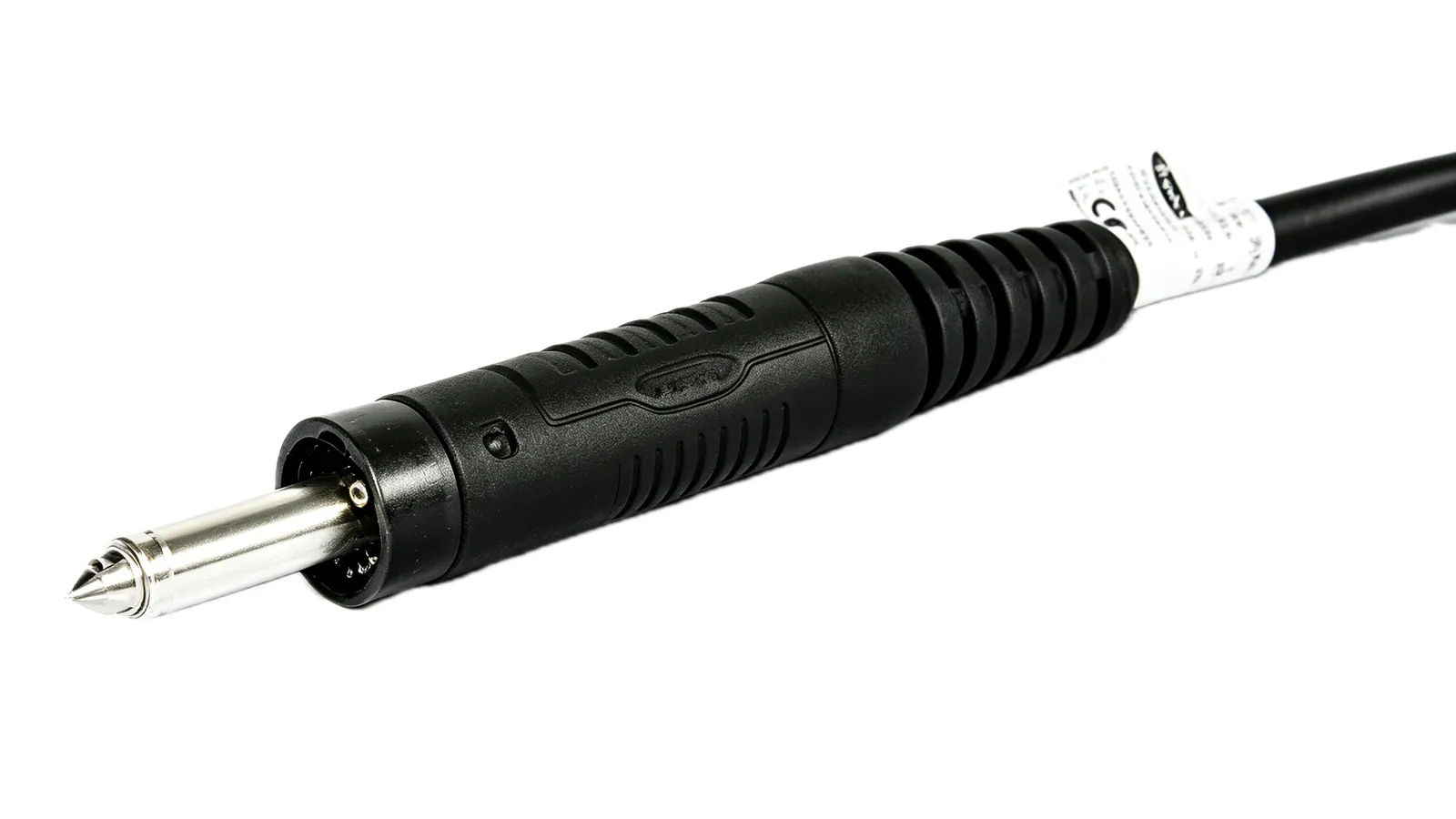
Torch changeSingle-screw quick release
Base optionOptional magnetic base, mounts directly on the workpiece
Teach pendantHorizontal display, 6 m cable
Installation environment0–45 °C, 20–80% RH, no condensation

* Specifications as supplied for this model. Final configuration confirmed on the proforma invoice.

Complete technical data

Axis ranges, speeds and the full delivery scope for the cobot.

Robot body

Six axes, 5 kg payload, IP54

Degrees of freedom6
Payload5 kg
Reach906 mm
Repeatability±0.02 mm
Body weight22.5 kg
ProtectionIP54
MountingFloor / inverted / wall
Environment0–45 °C, 20–80% RH, no condensation

Axis travel & speed

Wide joint ranges for welding positions

J1 travel / speed±360° / 225 °/s
J2 travel / speed±360° / 225 °/s
J3 travel / speed-78° to 256° / 250 °/s
J4 travel / speed±360° / 250 °/s
J5 travel / speed±360° / 250 °/s
J6 travel / speed±360° / 250 °/s

Teaching & end manipulator

Drag the torch, record the motion

TeachingPull the cobot by hand to the weld point, then record
Buttons8: X/A, Arc, MOVL, MOVC, RES, Weave, Program, Shift
RockerSix-direction jog for the torch
DisplaySpeed, pose, command, welding and weave parameters
Fast adjustmentSpeed, welding and weave parameters on the handle
Quick changeTorch removed with one screw for tight spaces

Cabling & scope

Cabinet, towing device, feeder set and cable

Electric cabinet1 unit
Towing device1 unit
Teach pendantHorizontal display, 6 m cable
Wire reel setBracket, tray and feed tube mountings
Welding cablesPositive and negative
InterconnectCabinet-to-body cable, 5 m
Mounting optionMagnetic base for mounting on the workpiece

Machine in detail

The cobot, the teaching handle and the connection point — the parts the operator actually touches.

Cobot arm, torch and drag-to-teach handle close-up
Arm & torch
End manipulator with programming buttons and jog rocker
Teaching handle
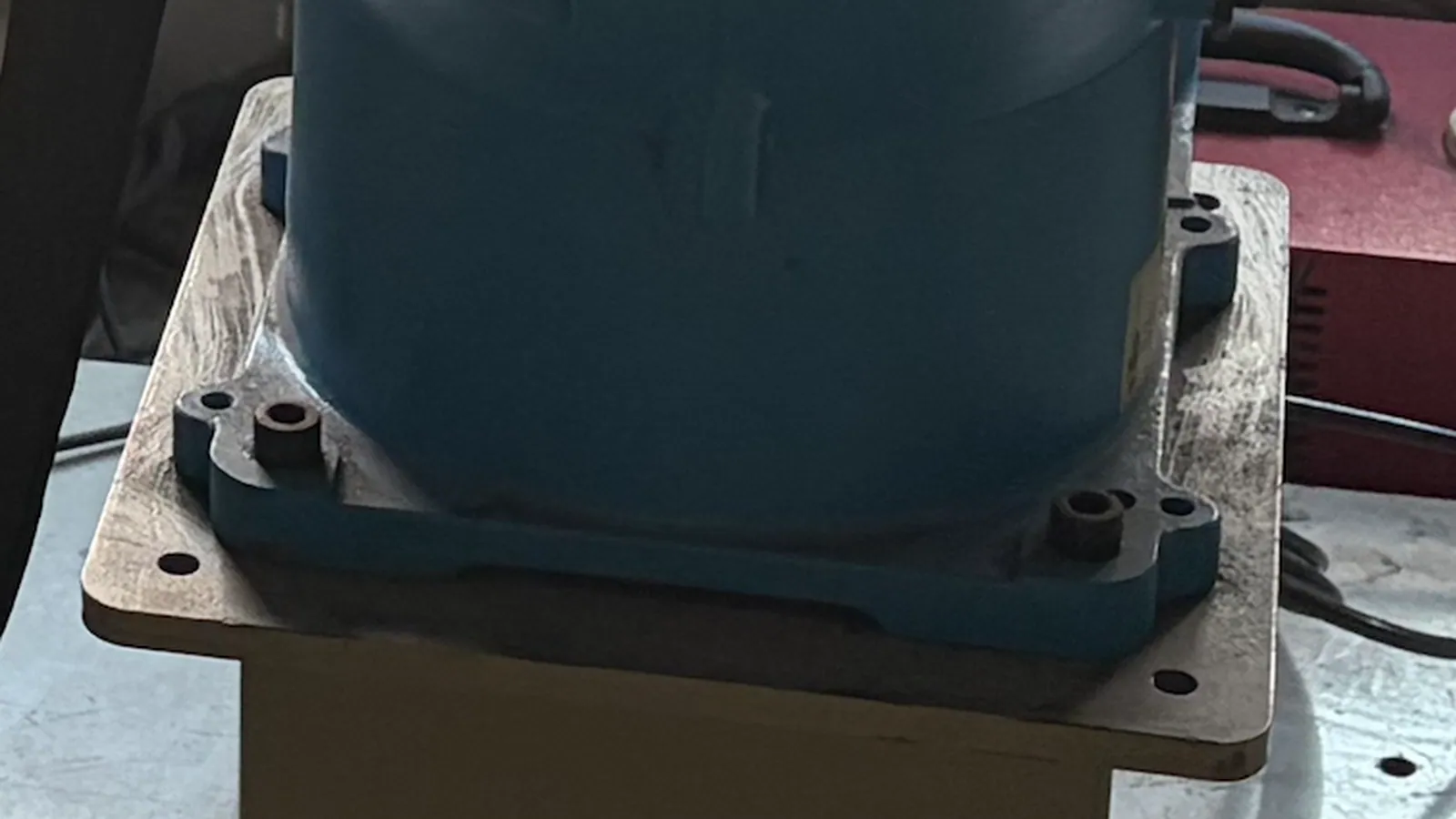
Cobot base and mounting flange on a fixture
Base & mounting

Why this machine

Why drag-to-teach changes the economics of a small weldment.

Programmed by moving the torch

The operator pulls the cobot to the joint, presses a button and the position, motion and weld instruction are recorded. No point list, no coordinate entry — a new part is taught in the time it takes to trace its joints.

6 axes, 906 mm reach

Enough reach to cover a fixture or a small weldment from one base position, with ±360° on most joints so the torch can approach from either side.

±0.02 mm, so the second piece matches

High repeatability means the taught path is the path every cycle. The variation in a manual weld — travel speed, angle, weave — is replaced by one recorded motion.

Torch off in one screw

The torch releases with a single screw, so the cobot can be moved into a tight space or re-tooled for a different joint in seconds rather than a service visit.

Magnetic base option

With the optional magnetic base the cobot mounts straight on the workpiece — useful for large fabrications that cannot come to a fixture table.

Typical parts and industries

Small and medium weldments where a full robot cell is overkill but manual welding is not repeatable enough.

Batch welding of small partsBrackets, frames, bosses and fittings welded in short runs with frequent changeovers.
Fixture-based cellsCobot mounted at a fixture, welding the same joints part after part.
Large fabricationsWith the magnetic base, mounted directly on the workpiece for joints out of reach of a table.
Handling and loadingPick-and-place into a weld station where the payload is under 5 kg.
Job shops and trainingLow-volume work and welder training where fast reprogramming matters more than cycle time.

Site requirements & scope of supply

Power, air and the working envelope — plus what arrives with the cobot.

Payload5 kg maximum at the flange, including torch and cable drag
Working envelope906 mm reach from the mounting point
Environment0–45 °C, 20–80% RH, no condensation
ProtectionIP54 — keep the cabinet clear of dust and water spray
MountingFloor, inverted or wall; magnetic base optional
Shielding gasPer your procedure, regulator by the buyer
Base clearanceSpace for the towing device and cabinet, 5 m interconnect
Payload must include the torch and cable weight, not just the part. Tell us the torch model and cable routing and we confirm whether the 5 kg rating covers your setup.

Scope of supply

  • Six-axis cobot body with drag-to-teach end manipulator
  • Electric cabinet and towing device
  • Teach pendant with horizontal display and 6 m cable
  • Wire reel set: bracket, tray and feed tube mountings
  • Positive and negative welding cables
  • Cabinet-to-body interconnect cable, 5 m
  • English operation manual and programming guide
  • Optional magnetic base and cart quoted separately

Questions buyers ask

What buyers ask before putting a cobot on a weld cell.

Do we need a programmer to set up a new part?

No. Teaching is done by dragging the cobot to the joint and pressing a button on the handle, with the position, motion type and weld instruction recorded on the spot. A new part is taught by the operator, not an integrator.

What can it actually lift?

5 kg at the flange, and that figure includes the torch and the cable drag. If your torch and cable package is heavy, tell us before the order so the payload is checked against the real load.

How accurate is it compared with manual welding?

Repeatability is ±0.02 mm, so the taught path repeats exactly. That is the difference between a weld that varies with the operator's hand and one that does not.

Can it work on large parts?

Yes, with the optional magnetic base it mounts directly on the workpiece instead of a table — practical for fabrications too large to bring to a fixture.

What environment does it need?

0–45 °C and 20–80% RH without condensation, in an IP54-rated package. Keep the cabinet out of direct dust and water spray.

Is the cart included?

The cart is optional and quoted separately. It makes the cobot movable between stations; the magnetic base is the alternative for mounting on the part itself.

Machines that pair with this one

A cobot is usually the loading or welding element of a cell — these complete it.

Tell us the part, the fixture and the joints

Part size and weight, torch model, joints per part and whether the cobot stays on a table or rides the workpiece. An English-speaking engineer replies within one business day.